


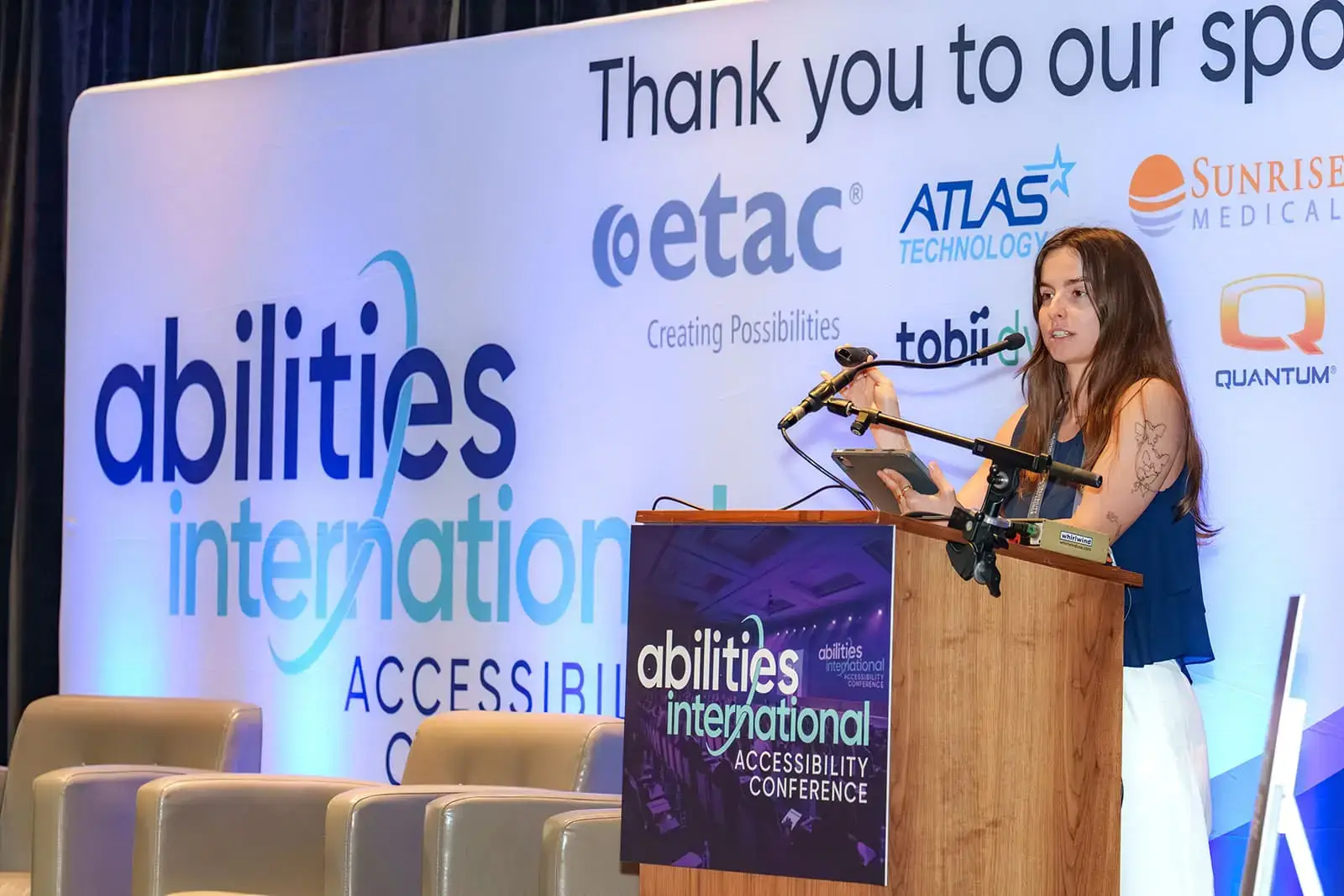


Download Marketing materials to tell your community about the conference
To personalise your materials, click the Download button. This will open a folder in Canva containing your designs. You are welcome to make a copy of any file and add your own headshot or details if you wish.
When you’re ready to save a design to your computer, look for the Share button in the top-right corner of the screen. Click this, then select Download. Choose PNG as the file type, select Current page, and click Download again. The file will then save to your computer.
For further assistance, email
Email Signatures

Download a Template and tell your LinkedIn community


Download LinkedIn Banners
Chicago


Newsletter Banners
(1200 x 400 px)
Conference Leaflet

additional Resources


